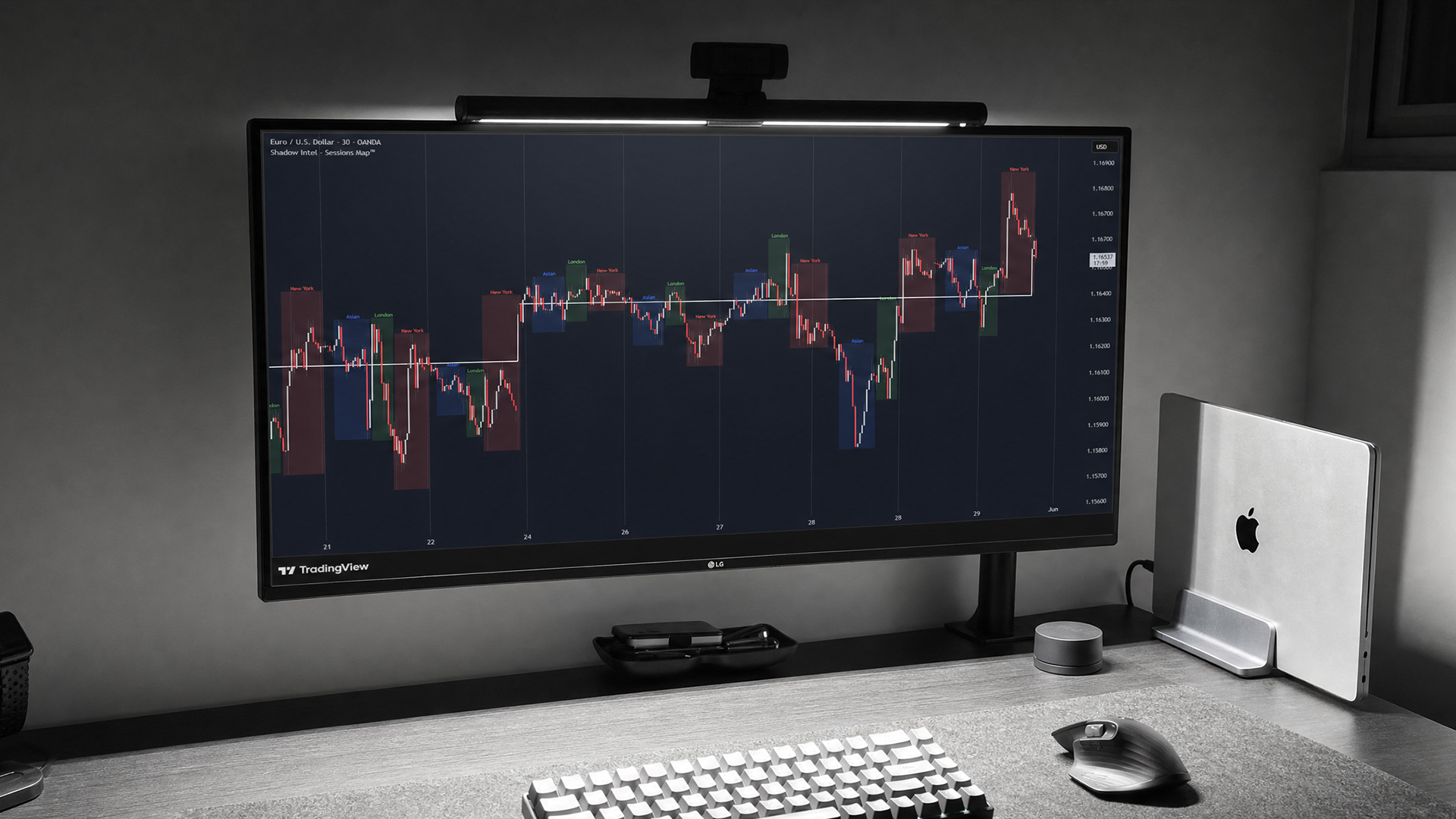
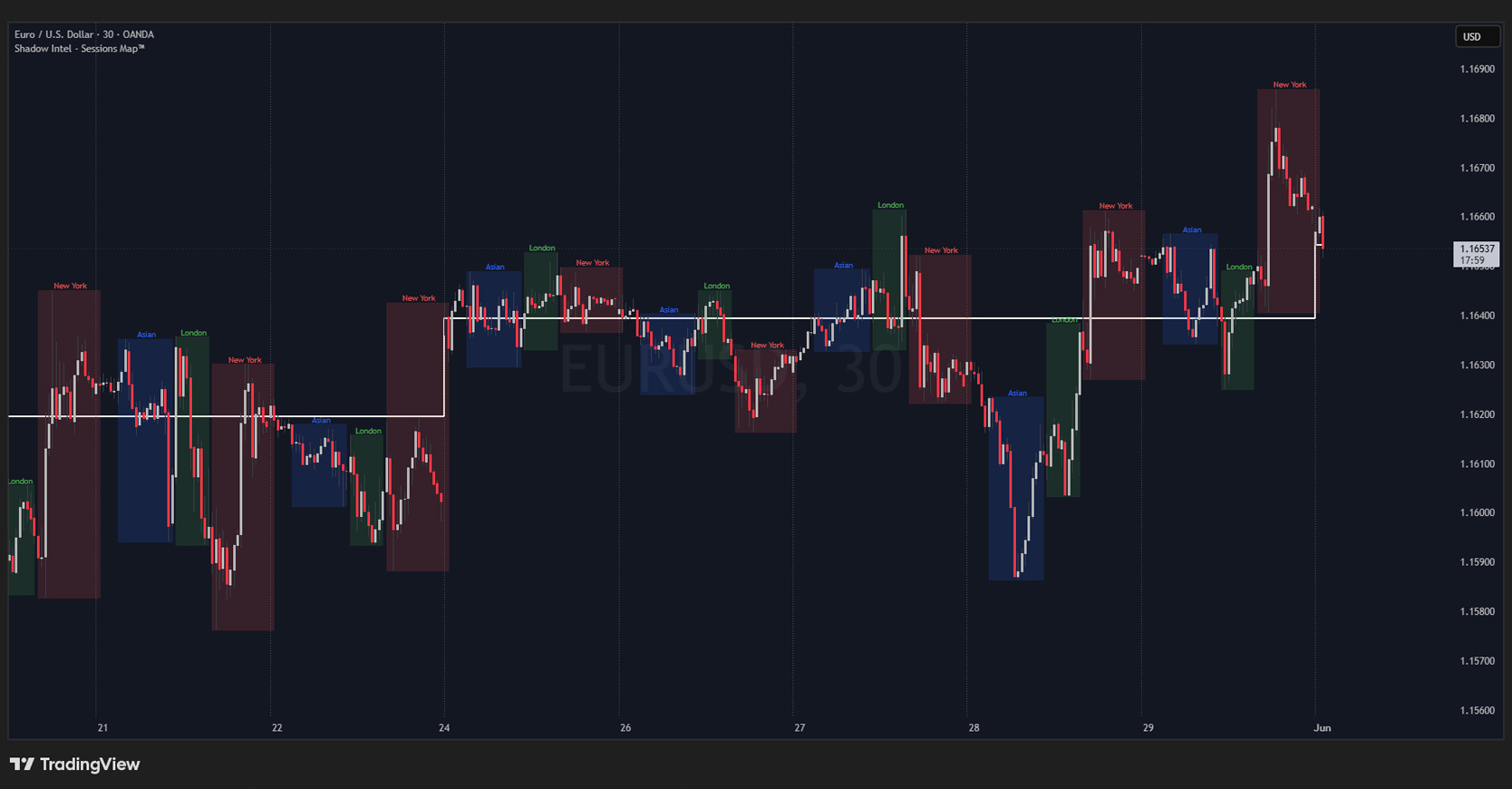
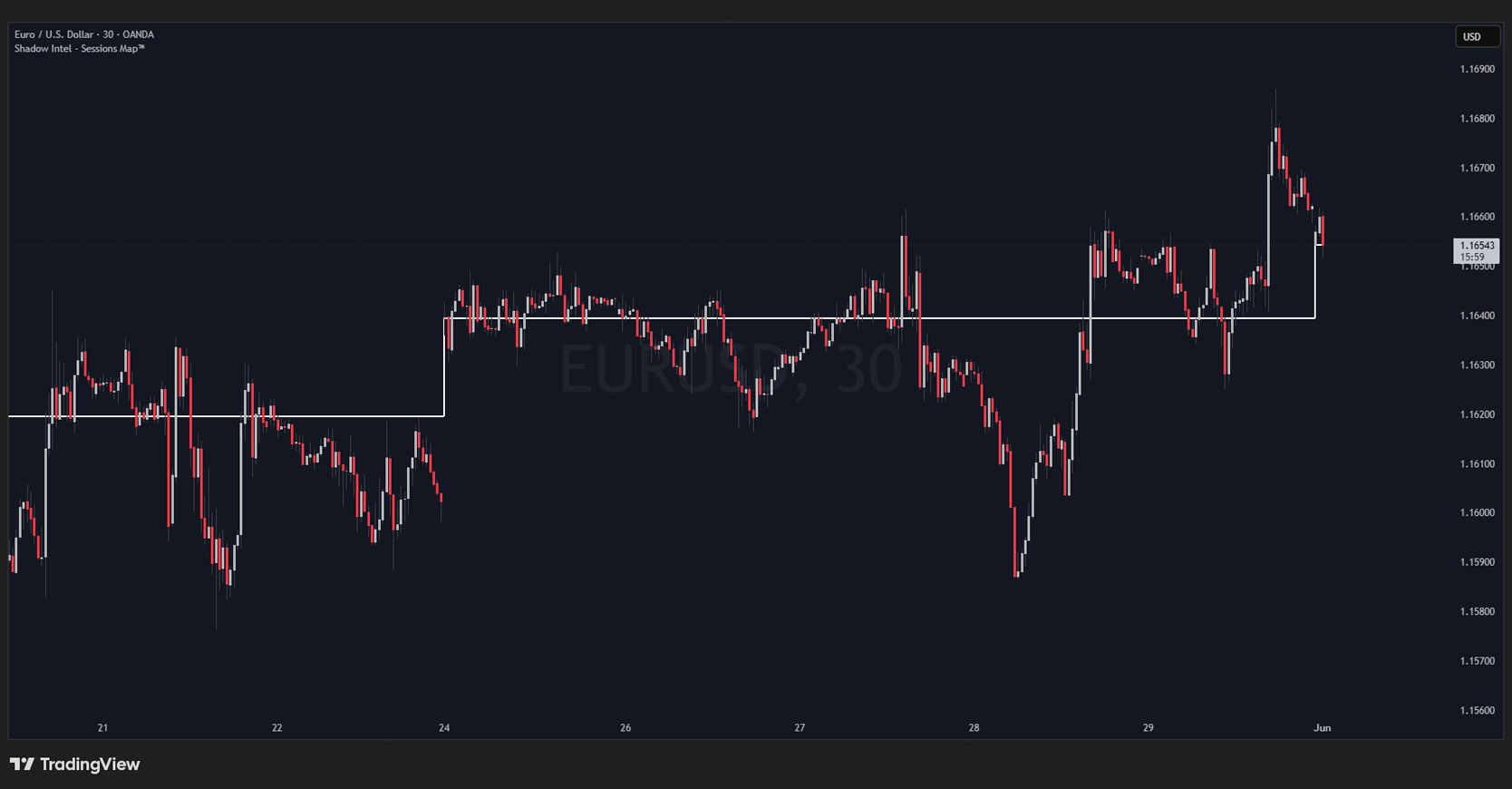
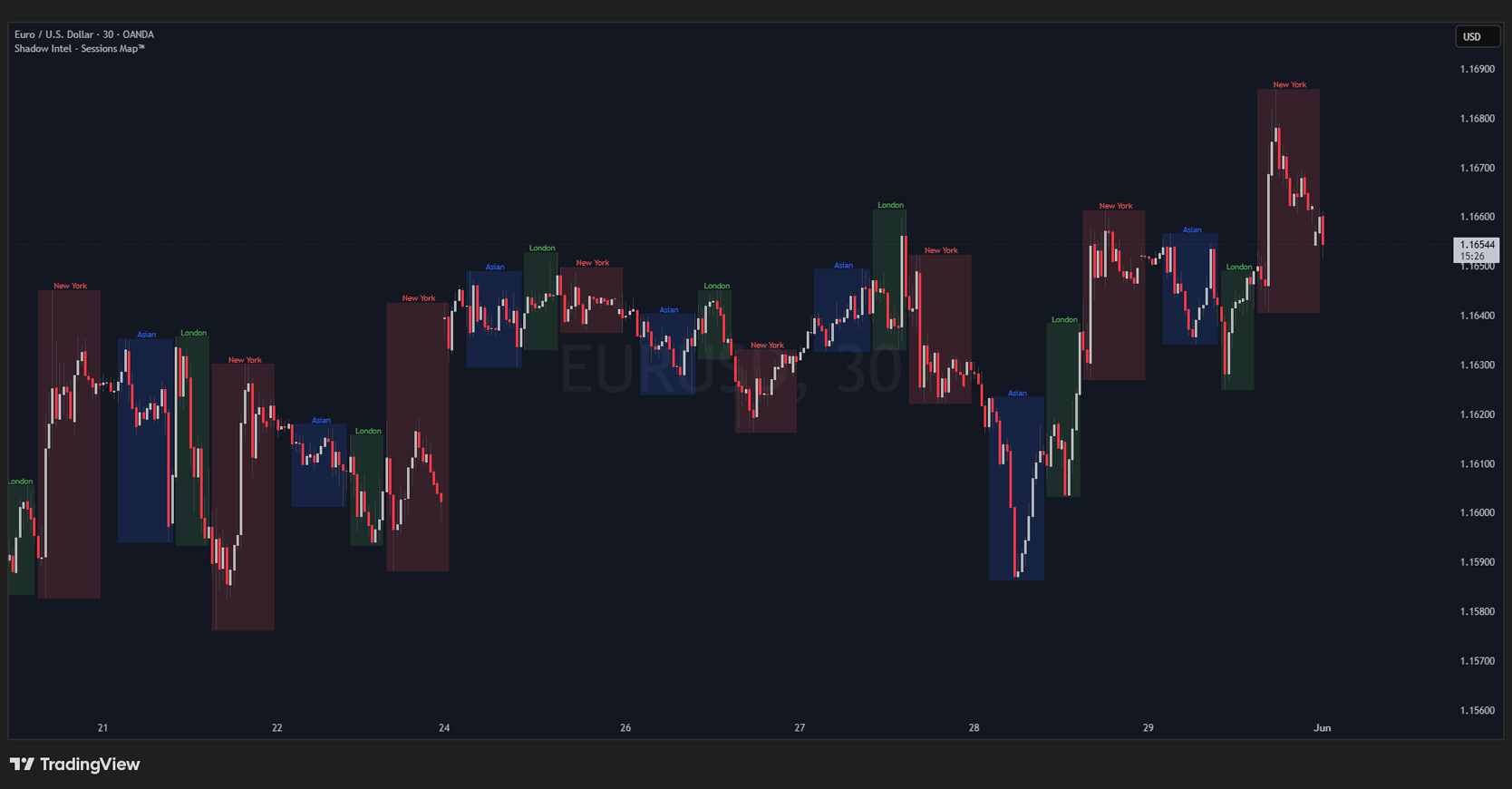
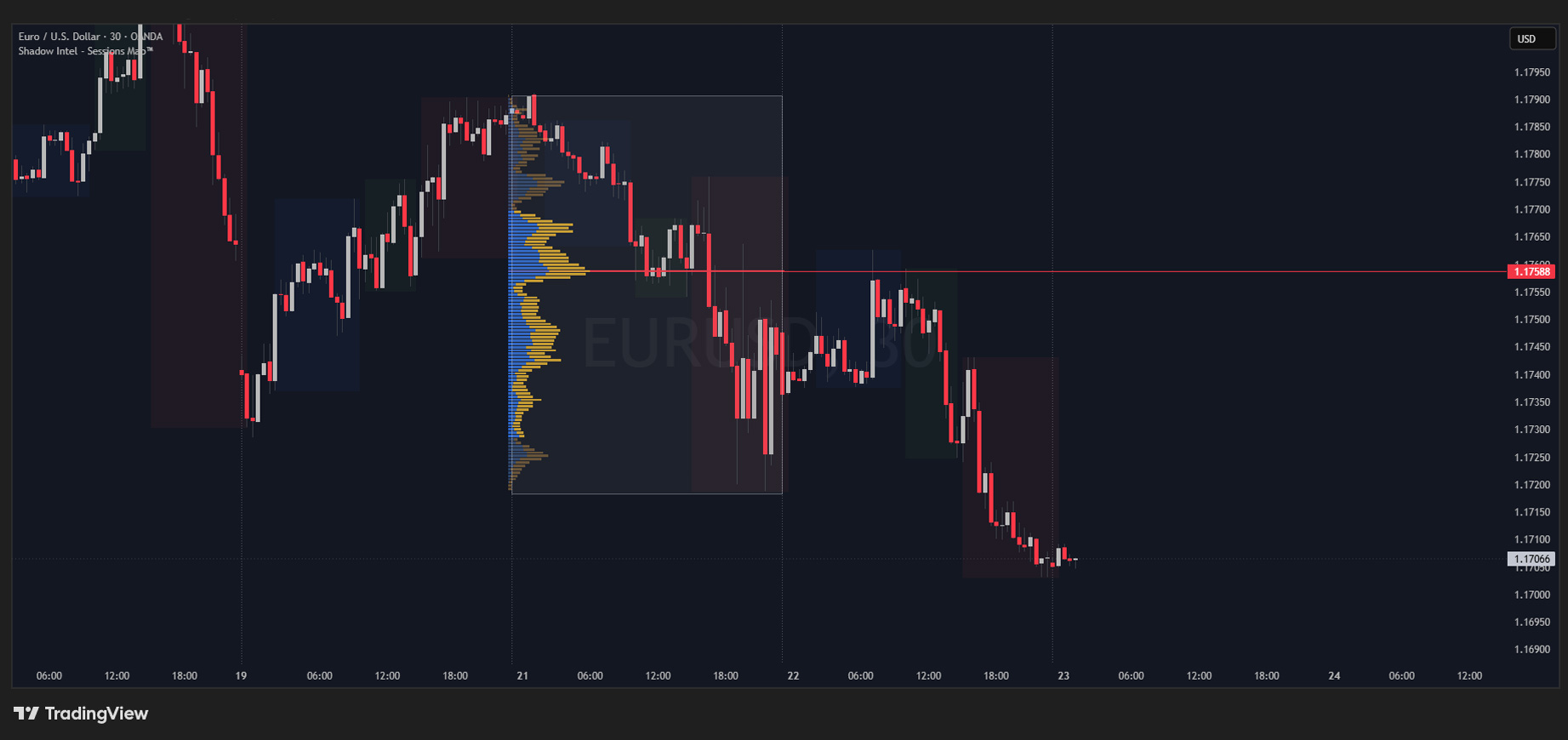
Session Breaks — Plots a vertical line at the end of each trading day, giving you a clean visual separation between sessions.
Weekly Open Line — Marks the opening price of the week. Often called the Sunday Open because when markets open, it is still Sunday in the US. A key reference level many traders use throughout the week.
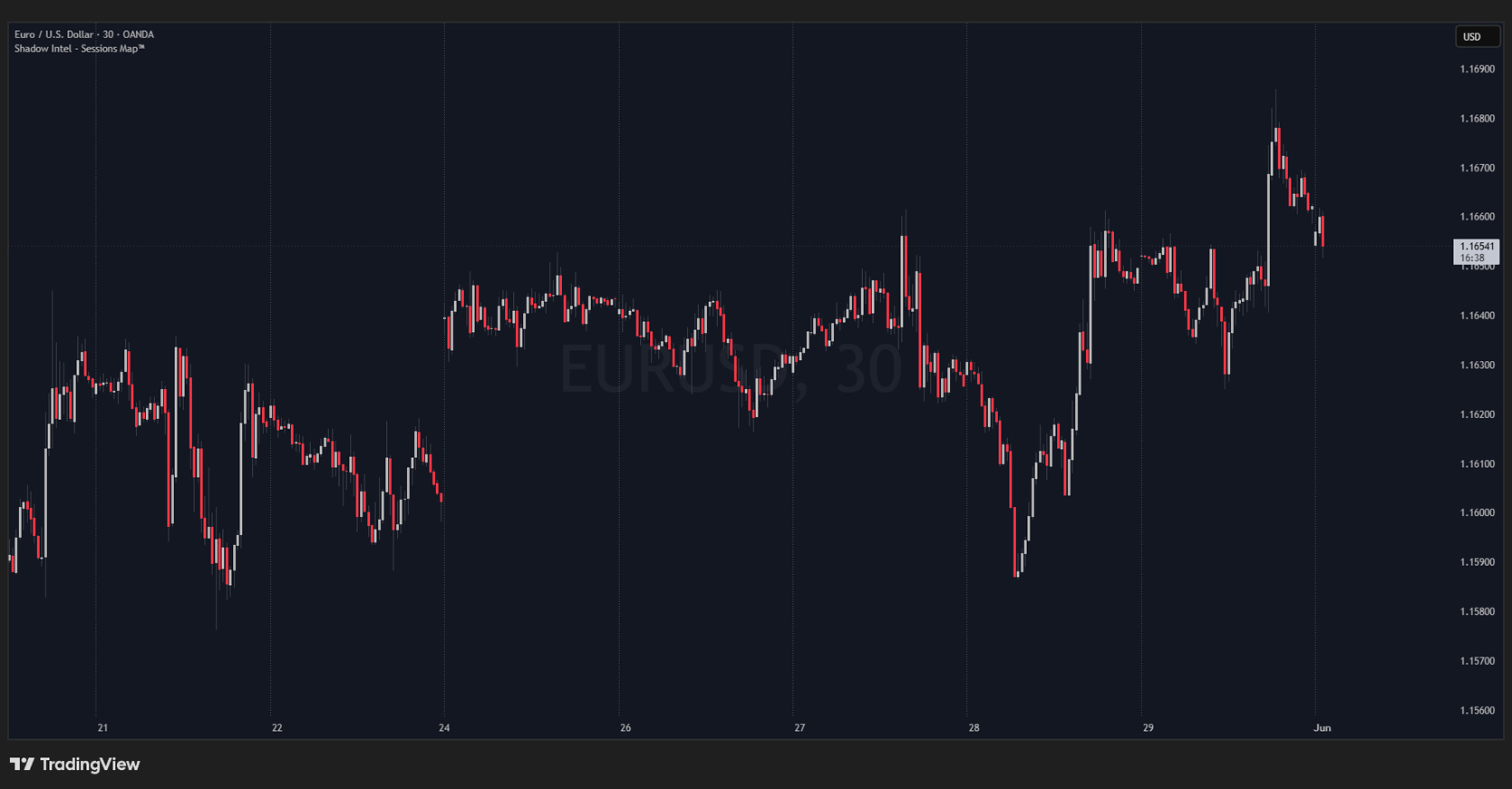
Session Coloring — Highlights the Asian, London, and New York sessions directly on your chart. Each session takes out the highs or lows of the previous one before pulling back or reversing — having those boundaries visible is essential.
// Settings
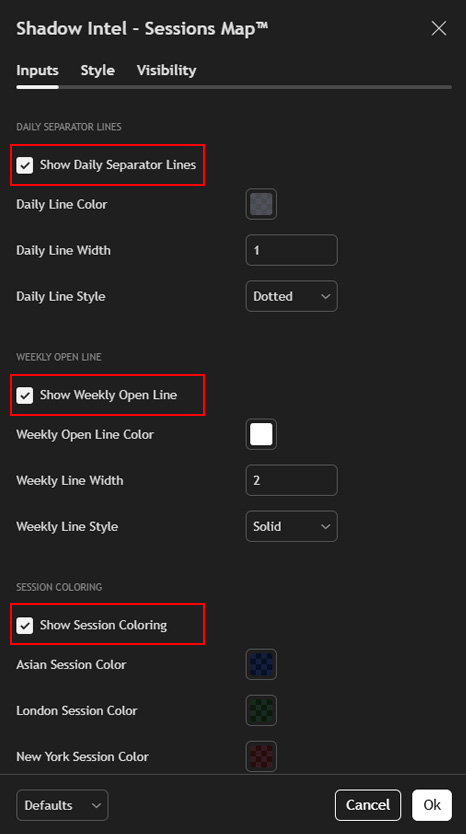
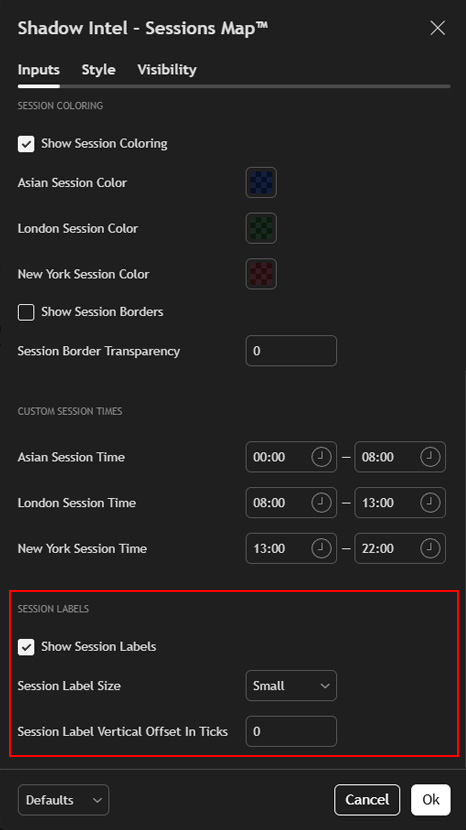
Daily Separator Lines — Default: On Toggles the vertical daily separator lines on or off.
Show Weekly Open Line — Default: On Toggles the weekly open line on or off.
Show Session Coloring — Default: On Toggles the session background coloring on or off.
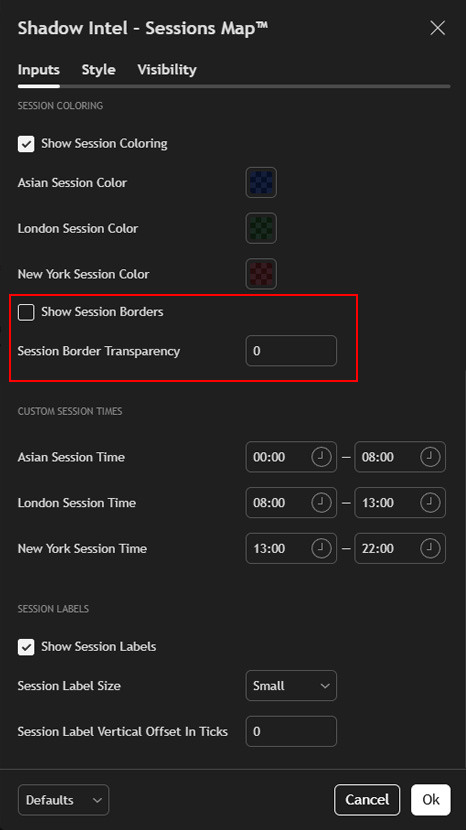
Show Session Borders — Default: Off Adds a visible border around each session block.
Session Border Transparency — Default: 0 Controls the transparency of the session borders when enabled.
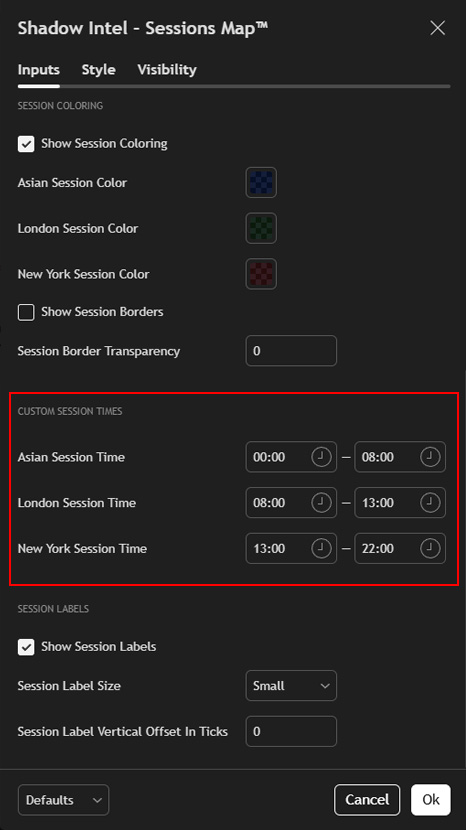
Asian Session Time — Default: 23:00 – 06:00 Set this to match your local timezone.
London Session Time — Default: 07:00 – 11:00 Set this to match your local timezone.
New York Session Time — Default: 12:00 – 22:00 Set this to match your local timezone.
Show Session Labels — Default: Off Toggles the session name labels on or off.
Session Label Size — Default: Tiny Controls the size of the session labels when enabled.
Session Label Vertical Offset in Ticks — Default: 0 Adjusts the vertical position of the session labels on the chart.
Important: Adjust all three session times to match your local timezone for accurate display. Best used on intraday timeframes such as the 30min or 1H chart.
// The Bigger Picture
Shadow Intel — Sessions Map™ is simple to set up and simple to use. It does the job of three separate indicators without cluttering your chart — so you can focus on what actually matters.
Want access to the private Indicator stack and the Syndicate VIP?